Digital Menu vs Paper Menu: What Actually Changes for Your Restaurant
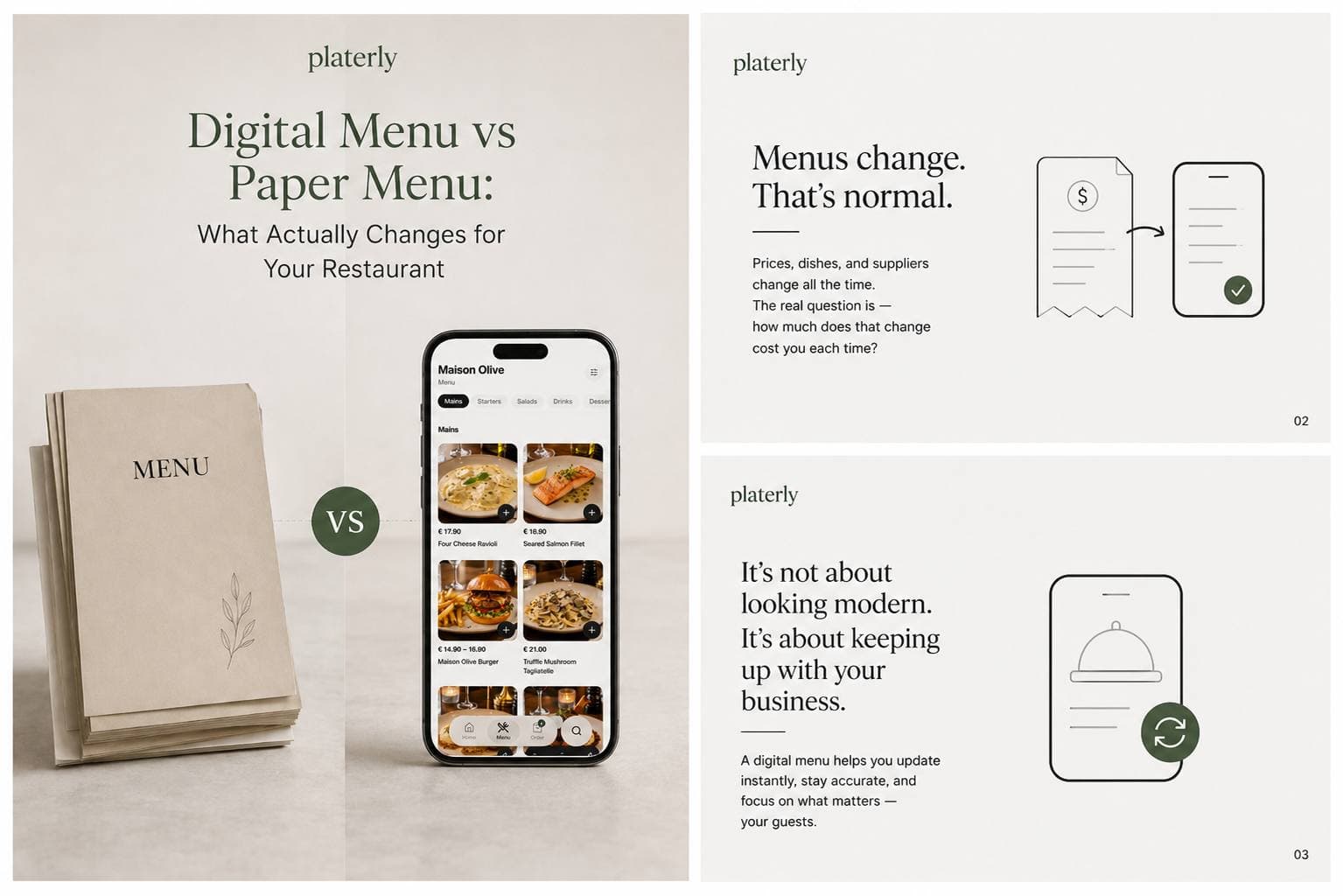
Every restaurant owner reprints menus eventually. The question isn't whether your menu will need to change. It's how much that change costs you every single time it does.
That's really what the digital menu conversation comes down to. Not whether it looks modern, but whether your menu can keep up with your business.
The real cost of paper menus
A paper menu feels free the day you print it. The cost shows up later.
Reprinting every time a price or dish changes
In 2026, that's more often than most owners expect.
Inconsistency across locations
New menus roll out on different days when you have more than one site.
Damage and wear
Spills, tears, faded ink after a few weeks on the table.
No visibility
No way to know what guests are actually looking at before they order.
None of this is a big problem on its own. Added up over a year, it's a quiet, recurring cost that most owners never think to calculate.
What guests actually expect now
Guests don't think of a digital menu as a novelty anymore - they expect one. A few shifts worth noticing:
- International guests want their own language, not a translated afterthought squeezed into a footnote.
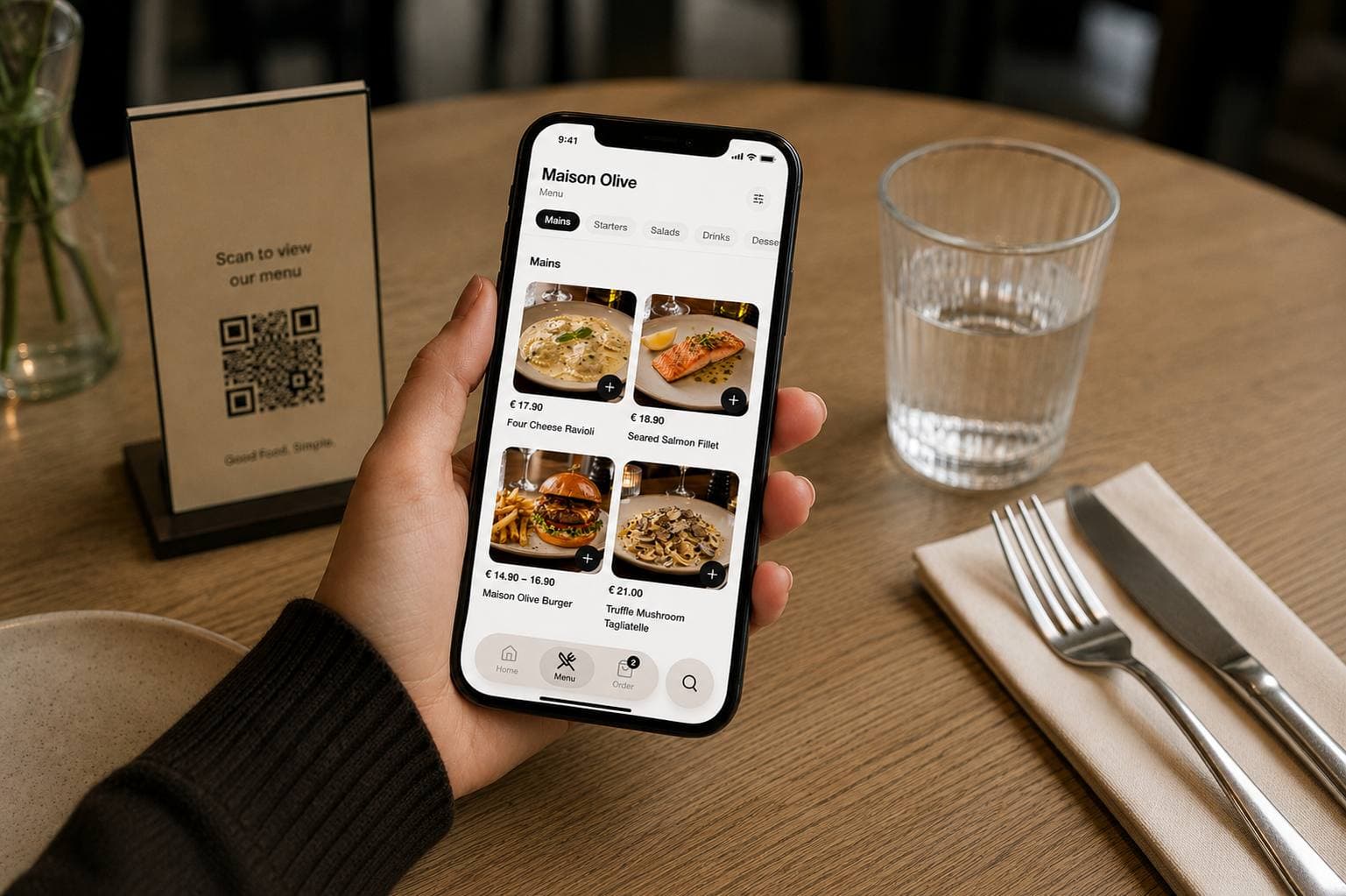
- Diners increasingly browse a menu on their phone before they even sit down.
- Nobody wants to download an app just to see what's for dinner.
A digital menu meets guests where they already are, without asking anything extra of them.
Digital menu vs paper menu: the real differences
| Paper Menu | Digital Menu | |
|---|---|---|
| Price / item changes | Reprint required | Updated instantly |
| Languages | Limited, static | As many as you need |
| Guest device | N/A | Any phone, tablet, browser |
| App required | No | No (if done right) |
| Guest behaviour insights | None | Views, popular items, peak hours |
| Setup effort | Design + print + distribute | Minutes, once |
The gap isn't really about looking modern. It's about how much friction sits between a change in your kitchen and that change reaching your guest.
What most digital menu tools get wrong
Not all digital menus solve the actual problem. A few common issues worth watching for:
Forcing an app download
Guests won't do it for a single meal, and it defeats the purpose of instant access.
Generic templates
Guests notice when a menu doesn't feel like your restaurant.
Machine-translated menus
Automated translations often get dish names and allergen details wrong, which matters more than most other content on your site.
No ownership over content
Some tools lock your menu into their format, making it hard to control tone, imagery, or accuracy.
“The point of going digital isn't to hand your menu over to a template. It's to make it easier to keep your menu exactly right.”
How to switch without losing your identity
Moving to a digital menu doesn't mean giving up what makes your restaurant recognisable. A good switch keeps:
- Your own photography and branding - not stock imagery or a shared layout.
- Full control over translations - written by your team, not auto-generated.
- A simple guest experience - one scan or one link, no app store detour.
- Real setup speed - this should take minutes, not a project.
Done right, a digital menu should feel like an extension of your restaurant, not a replacement for its personality.
TL;DR
- Paper menus cost more than the print bill - reprints, inconsistency, and outdated information add up quietly over a year.
- Guests expect to browse a menu on their phone, in their language, without downloading anything.
- Most digital menu tools get it wrong: app requirements, generic templates, and machine translations all create new problems.
- A good switch takes minutes, keeps your identity intact, and means your menu is always exactly what it should be.
Your menu, always current
Build your digital menu in minutes. Update it from anywhere, instantly.
Every language supported. No app required. Your branding, your photos, your voice.
Start for free